
Category: Data Recovery
-
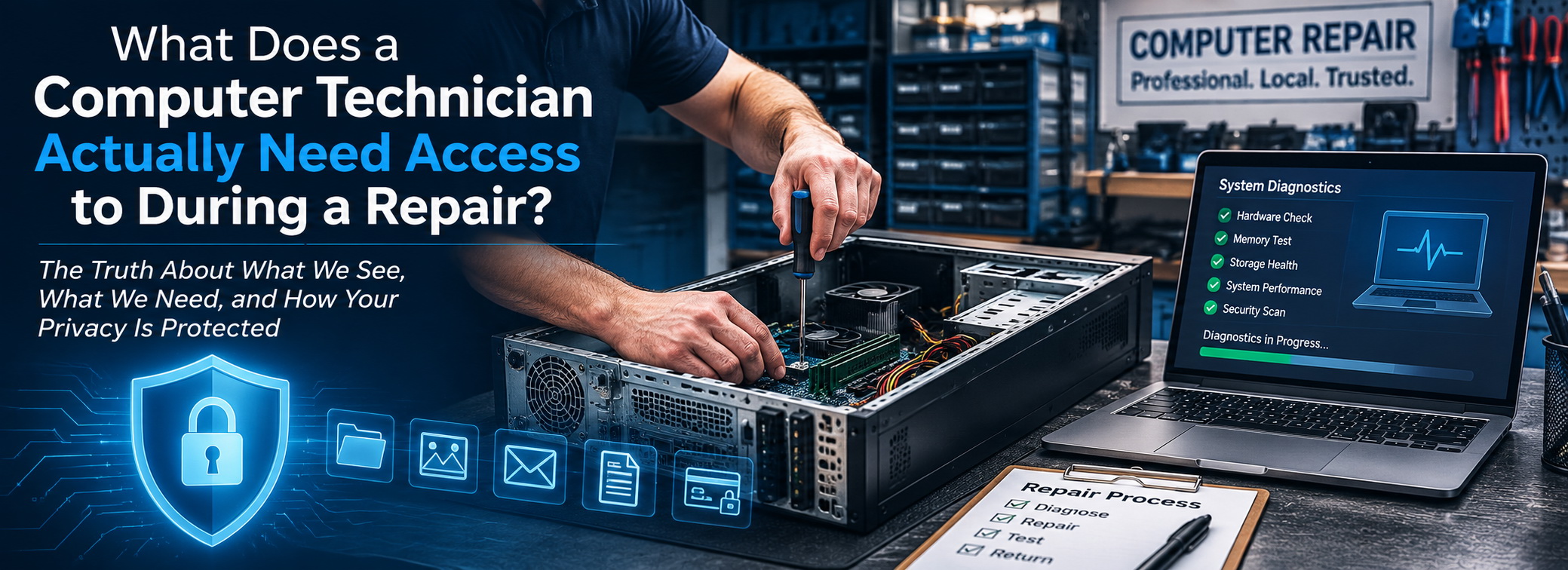
Handing your computer to a technician can feel a little different from handing over almost anything else for repair. Your computer isn’t just a piece of equipment. It may contain family photos, tax returns, financial records, saved passwords, business documents, emails, personal conversations, and years of files you’ve accumulated without giving much thought to who…
-
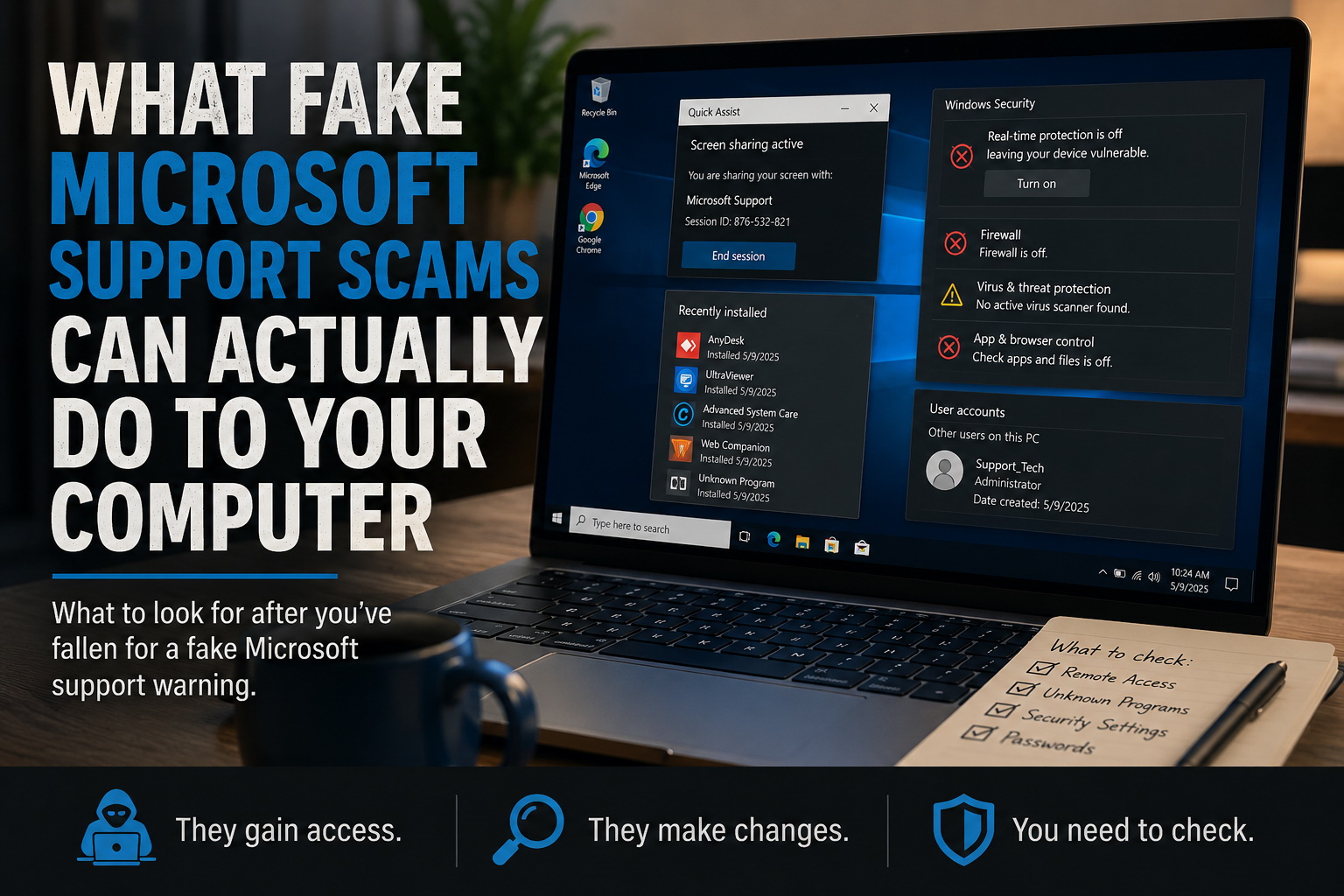
You saw a warning saying your computer was infected. Maybe it claimed to be from Microsoft. Maybe alarms started sounding, your browser appeared to lock up, or a message told you not to shut down your computer. Then came the phone number and an urgent warning to call immediately. In our previous article about how…
-
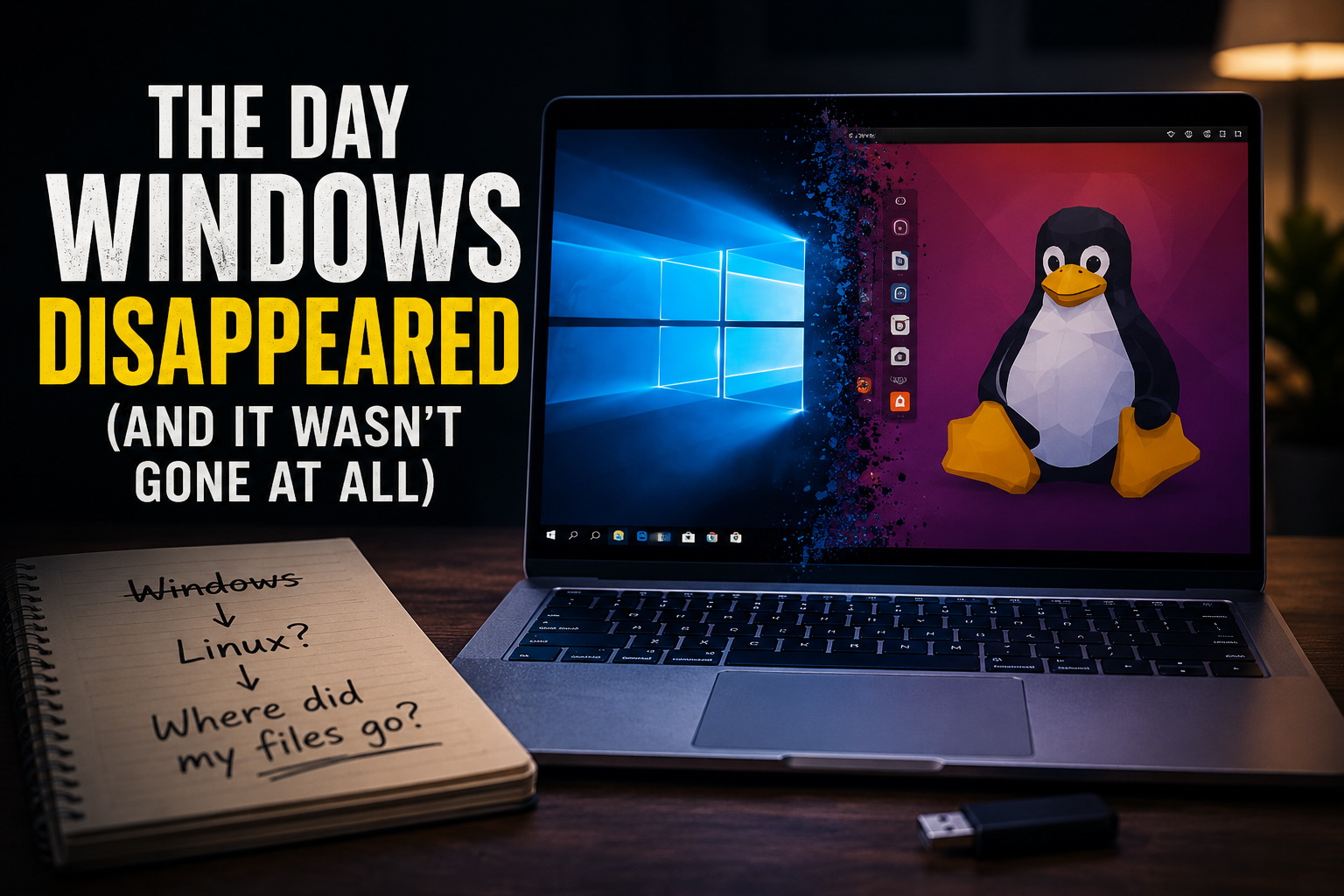
Why one wrong assumption almost led to unnecessary data recovery… Microsoft’s end of support for Windows 10 has many people exploring Linux as a free alternative. While Linux can be an excellent operating system, installing it without understanding the options can lead to a terrifying experience. The following story is fictional, but it’s based on…
-
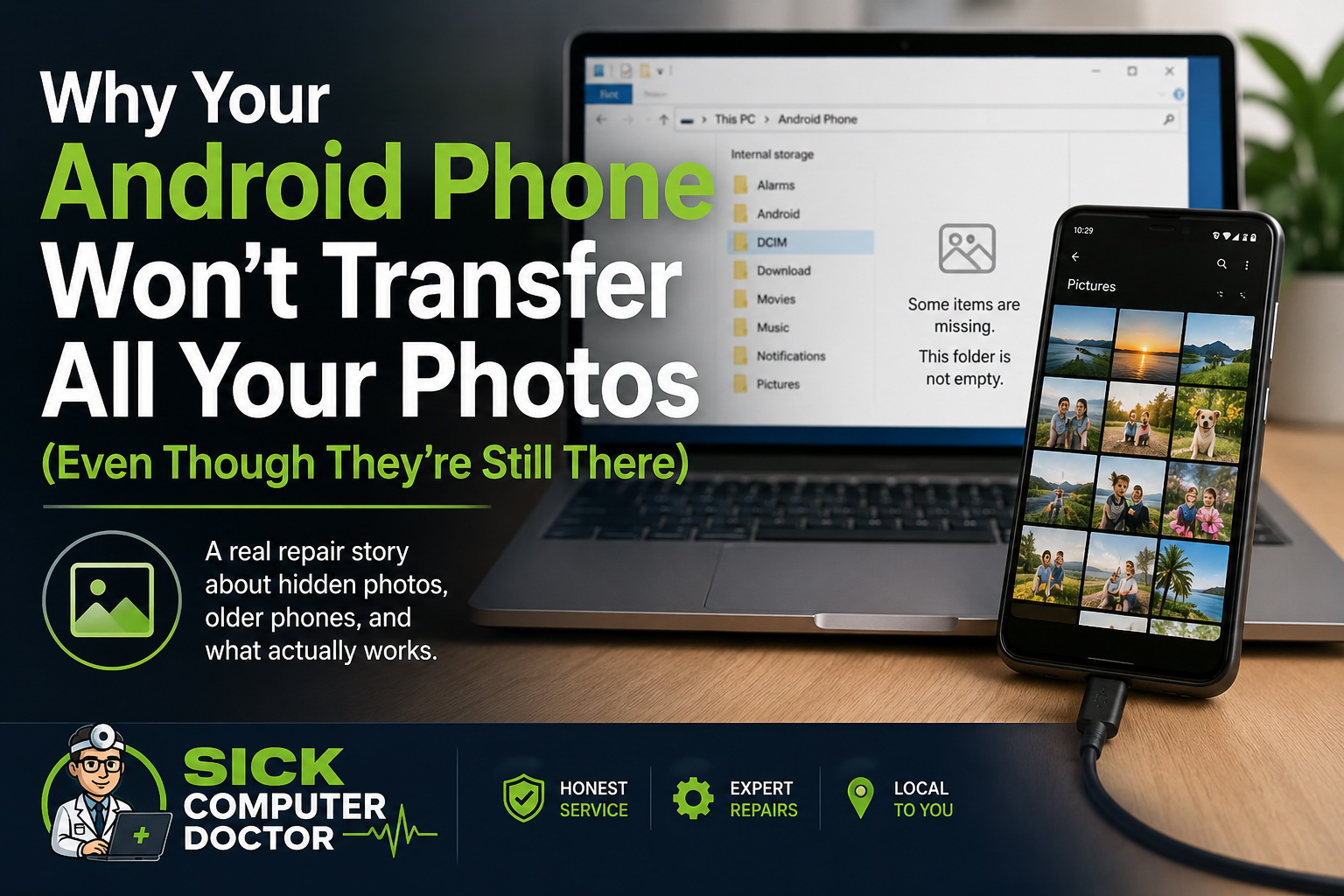
Have you ever plugged your Android phone into your computer to back up your pictures, only to discover that some of your most important photos simply weren’t there? You search every folder. You disconnect the phone and reconnect it. You try another USB cable. You even restart both the phone and the computer. Nothing changes.…
-
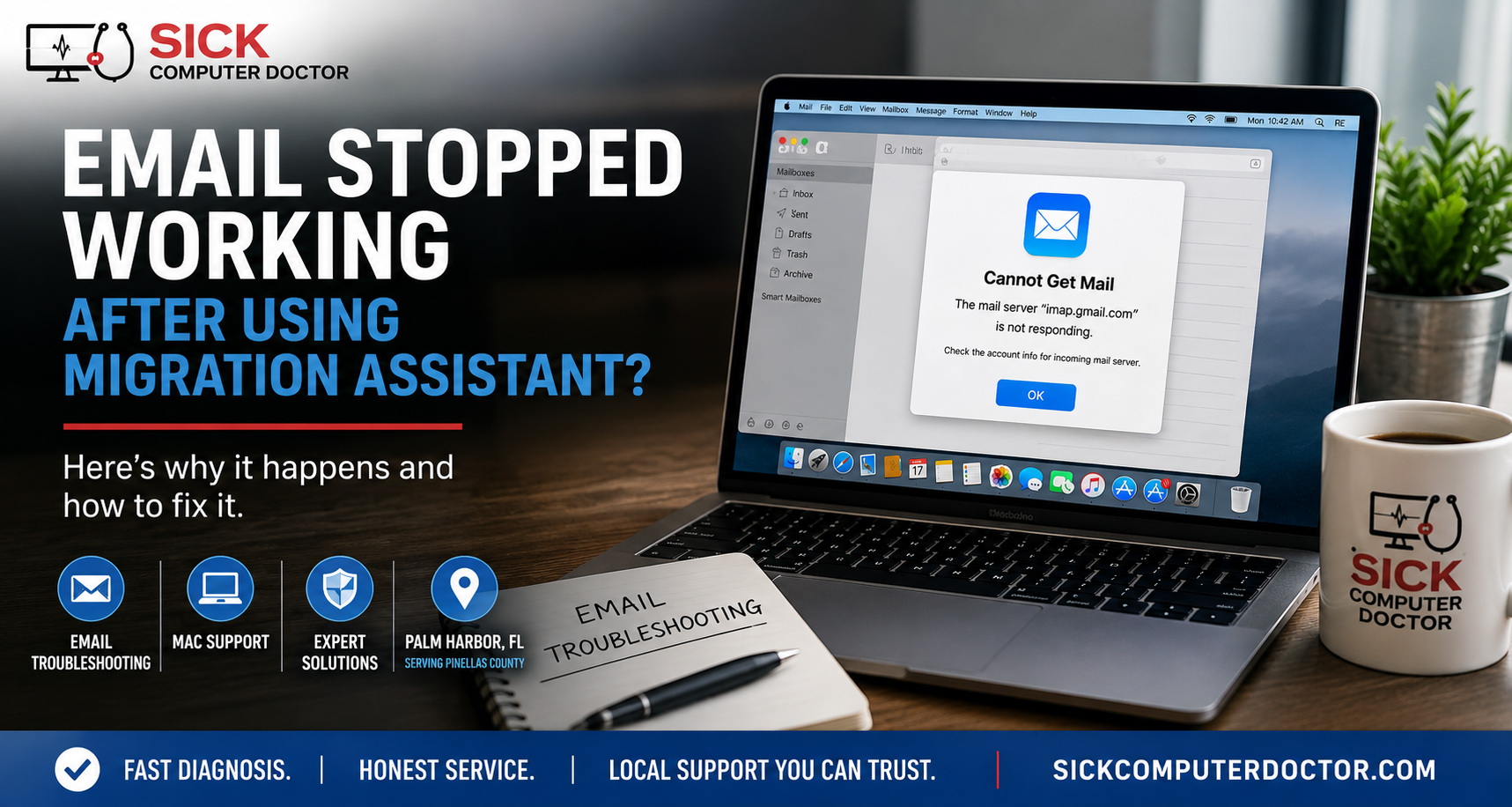
One of the more common questions I receive from Mac users is, “Why did my email stop working after I used Apple’s Migration Assistant?” It’s easy to assume that Migration Assistant caused the problem. After all, everything was working on the old Mac, you transferred your data to a new computer, and suddenly Apple Mail…
-
There was a time when nearly every computer problem required a technician to come to your home or office. Today, that simply isn’t the case. Many software-related issues can be diagnosed and repaired securely over the Internet, often much faster than scheduling an onsite appointment. At SickComputerDoctor.com, I frequently recommend remote computer repair because it…
-
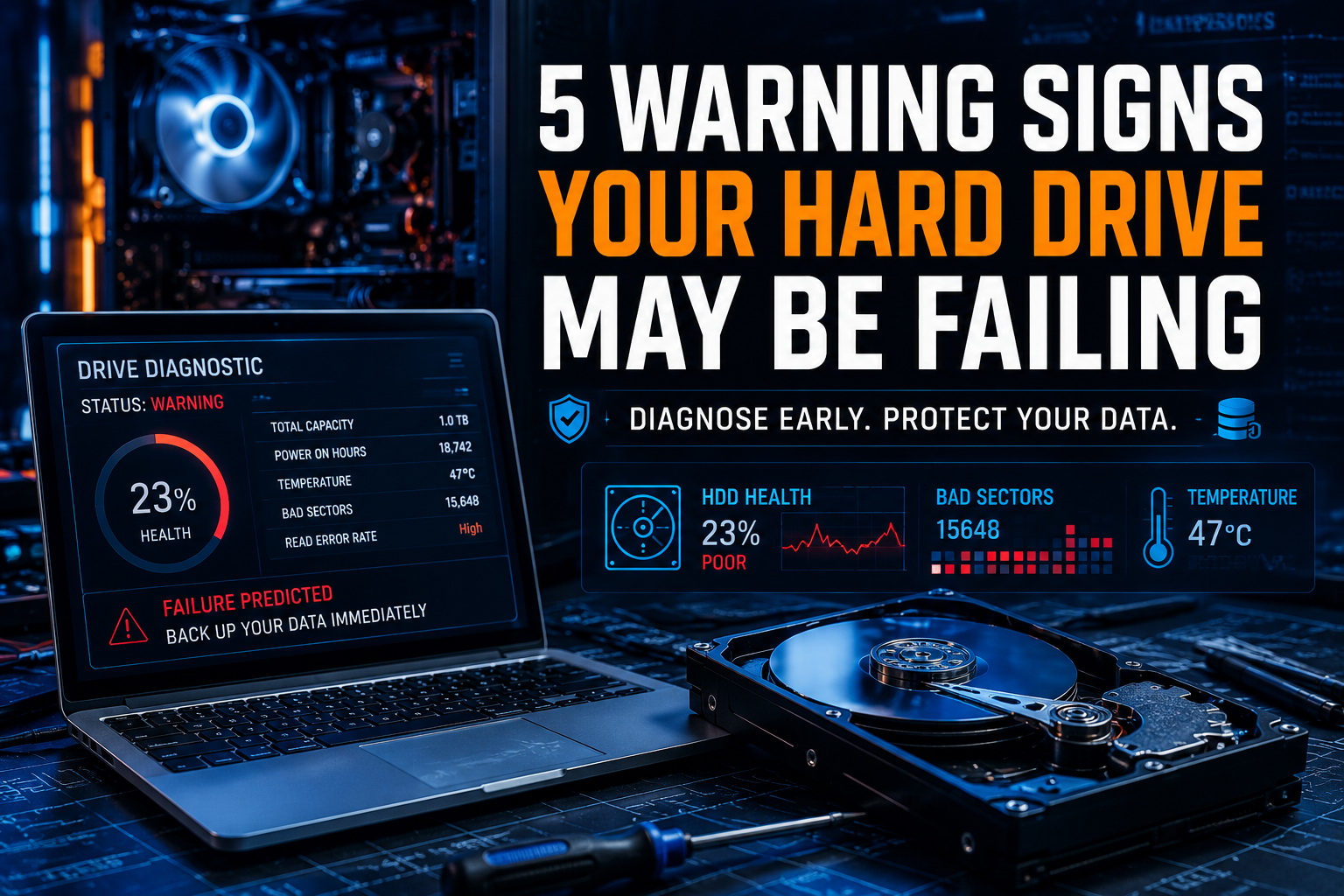
Introduction Most hard drives and SSDs don’t simply stop working without warning. In many cases, your computer will begin showing subtle signs of storage failure weeks or even months before complete data loss occurs. Recognizing these warning signs early can help protect your files, photos, business documents, and personal information. If you’re experiencing any of…
-
When your computer suddenly stops working, starts running painfully slow, or becomes infected with malware, waiting days for help is not a realistic option. Whether you work from home, manage a small business, or simply rely on your devices for daily life, having access to fast and reliable local computer support in Palm Harbor can…
-
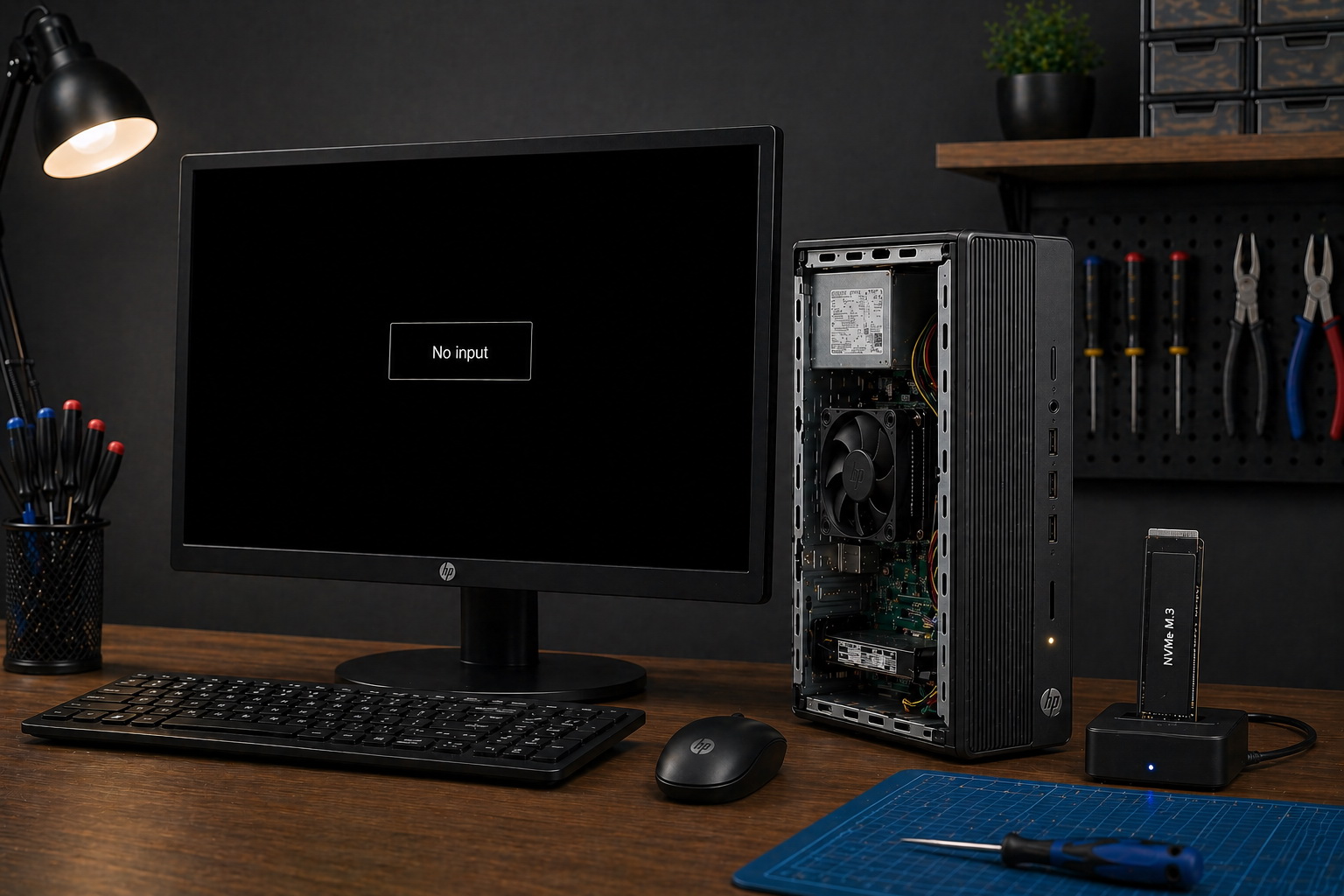
Intro A computer that powers on but shows no display can be frustrating — especially when everything seems to be running. Fans spin, lights turn on, but the screen stays black or shows “No Input.” This isn’t just a simple issue. In many cases, it’s a sign that the system is failing to properly start,…
-
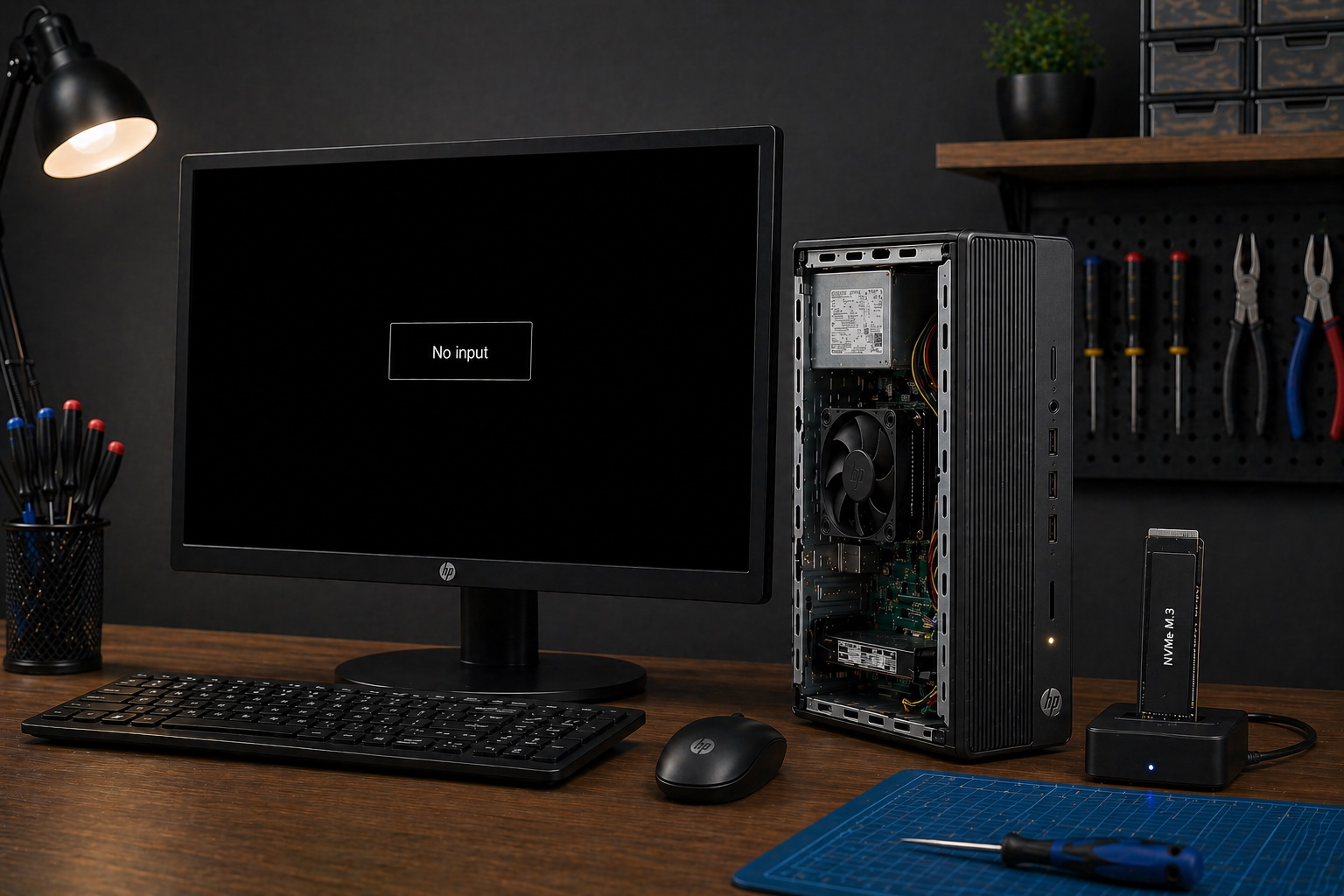
Intro: A computer that powers on but won’t fully boot is one of the most frustrating issues a user can face. Recently, we helped a local client experiencing exactly this situation—and what seemed like a simple issue turned into a deeper hardware problem. If you’re dealing with a system that won’t start properly, getting computer…