Intro
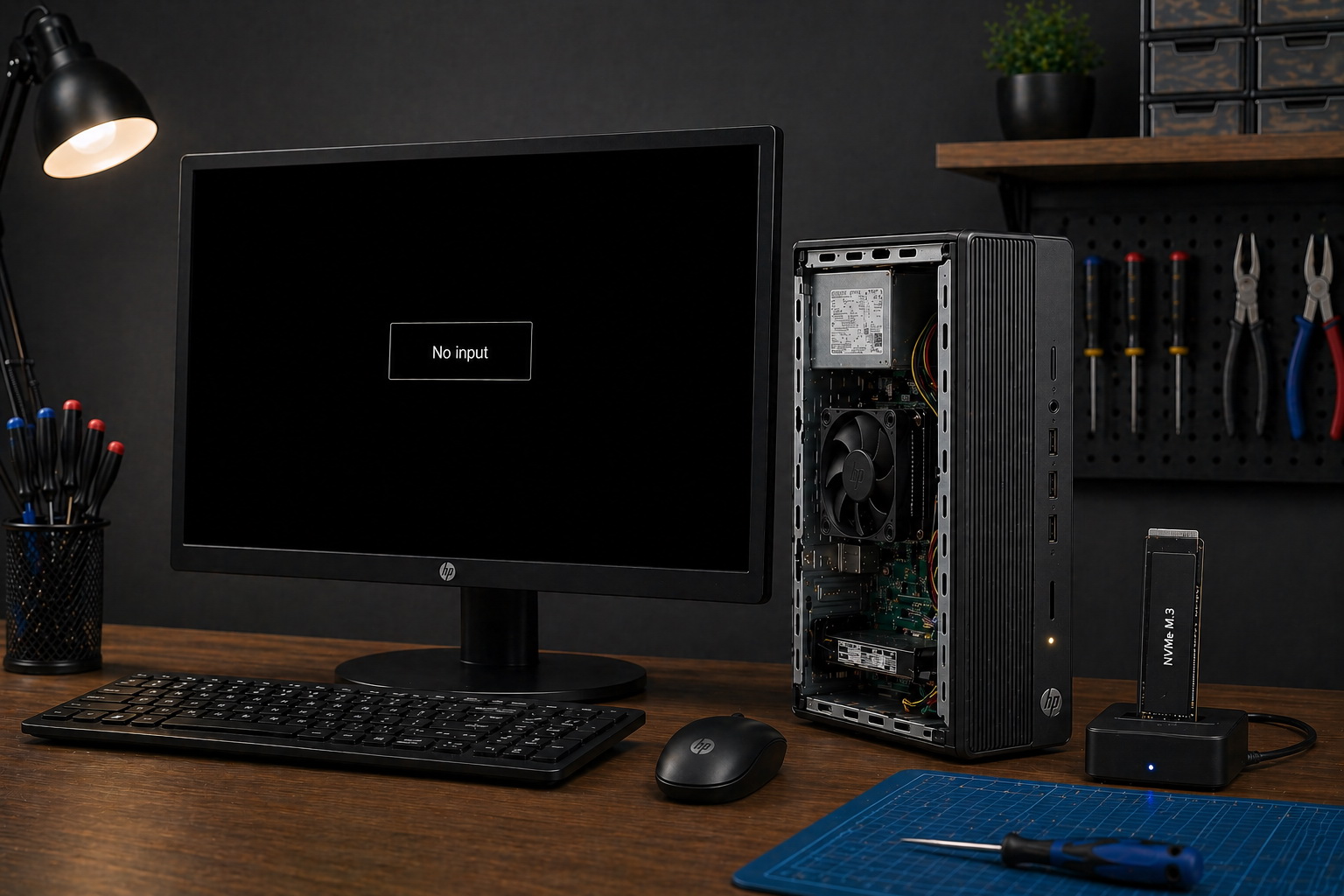
A computer that powers on but shows no display can be frustrating — especially when everything seems to be running. Fans spin, lights turn on, but the screen stays black or shows “No Input.”
This isn’t just a simple issue. In many cases, it’s a sign that the system is failing to properly start, and guessing the cause can lead to wasted time and money.
If you’re dealing with this problem, professional computer repair in Largo, FL can help identify the real cause quickly and correctly.
What “No Display” Actually Means
When a computer turns on but shows no display, it usually means the system is not completing the startup process.
This is often referred to as a no POST (Power-On-Self-Test) condition. The system never fully initializes hardware components.
At this stage, the issue goes far beyond a monitor or cable problem.
The Most Common Causes
- Faulty or improperly seated RAM
- Power supply inconsistencies
- GPU issues or onboard graphics failure
- Motherboard failure
- Storage-related problems
- Other problem parts
Why Guessing Gets Expensive
One of the biggest mistakes people make is trying to fix the problem without knowing what’s actually wrong.
They replace:
- Monitors
- HDMI or DisplayPort cables
- Graphics cards
- Entire systems
Without proper diagnostics, this often leads to wasted money and no real solution.
Real Example of This Problem
We recently worked on a system experiencing this exact issue — powered on, but no display.
Instead of guessing, we performed structured diagnostics, isolating components and testing storage devices to identify the true cause.
👉 Read the full case breakdown here
How We Diagnose the Real Problem
Proper diagnosis involves more than just swapping parts.
We perform POST troubleshooting:
- Controlled hardware testing
- Component isolation
- Power delivery verification
- Storage validation and diagnostics
This process ensures that the actual cause is identified before any repair is recommended.
If system corruption or malicious software contributed to the failure, our virus and malware removal services may be part of the recovery process.
When to Stop Troubleshooting and Get Help
If your system:
- Powers on but no display
- Displays “No Input” on the monitor
- Suddenly stopped working without warning
It’s time for proper diagnosis.
Trying to fix it without identifying the root cause can make the problem worse.
A computer that powers on without displaying anything isn’t just a minor issue — it’s a signal that something deeper is wrong.
The key isn’t guessing. It’s diagnosing.
If you’re dealing with this problem, getting it checked professionally can save time, money, and frustration.
📍 Serving Largo, FL and surrounding areas.
Leave a Reply