Intro:
A computer that powers on but won’t fully boot is one of the most frustrating issues a user can face. Recently, we helped a local client experiencing exactly this situation—and what seemed like a simple issue turned into a deeper hardware problem.
If you’re dealing with a system that won’t start properly, getting computer repair in Largo, FL early can save time, money, and prevent unnecessary part replacements.
Which brings me to a recent case.
📞 Initial Call
The client initially called reporting that the computer would power on but would not fully boot. The screen remained black, and the power indicator was on, but not showing normal behavior. She reported that the system failed during normal use (streaming video), which can increase system load and expose underlying hardware issues that may not appear during light use.
During the call, we walked through basic checks to confirm the system was actually attempting to boot and not entering a sleep or hibernation state. Based on those results, it was clear that further troubleshooting would be required.
📋 Service Call Overview
Because the client did not have transportation, we scheduled an on-site visit for the following morning. Once on-site, we verified the issue and confirmed the system would not complete the startup process.
At that point, the system was brought back to the shop for further diagnosis in a controlled environment using known working power sources, cables, and testing conditions to accurately isolate the cause of the failure.
🔧 The Problem – Power On, No Boot
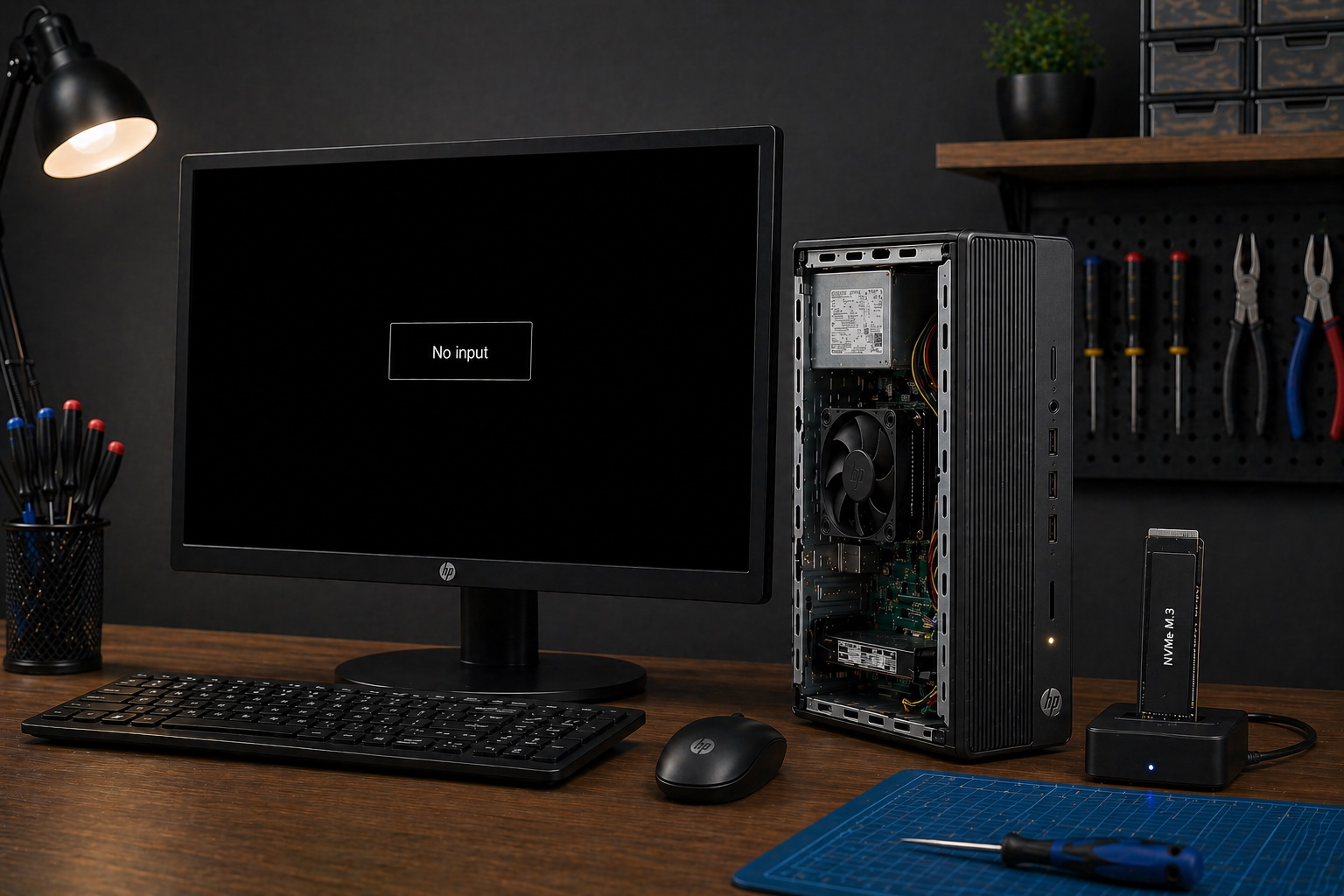
Even on our bench, the system would:
- turn on
- show a power light
- but never display anything on screen
- not produce audible beeps for diagnostic purposes
This type of issue happens before the Operating System (Windows, iOS, Linux) even loads, which means it’s not a software or performance problem — it’s typically a hardware-related failure.
Common causes include:
- power supply issues
- faulty RAM or internal components
- components that need to be re-seated
- motherboard (computer’s brain) failure
If your system is showing signs like freezing or lagging, those slow computer issues can sometimes be early warning signs — but once a system stops booting entirely, it usually requires deeper hardware diagnostics.
🔍 The Diagnostic Process
Because the system was not completing POST, this immediately ruled out software-related causes and focused the diagnosis on underlying hardware failure.
The system was a budget machine with integrated video built directly into the motherboard, which meant there was no discrete graphics card to isolate or test independently.
We followed standard hardware troubleshooting procedures, including:
- visual inspection for damaged or bulging capacitors
- reseating RAM and internal components
- verifying connections and power delivery
To properly diagnose the issue, the system was then tested in a controlled environment using known working components.
Additional testing included:
- power supply voltage verification
- component isolation
- validation with known working parts
⚠️The Real Issue – Not What It Seemed
Even after replacing the power supply, the issue persisted.
Further testing revealed:
👉 motherboard failure
At that point, repair costs exceeded the value of the system.
🛠️ The Smarter Solution
Instead of recommending a costly repair, a better option was identified:
- a refurbished business-class laptop
- more reliable
- more cost-effective
- Windows 11 Pro instead of Windows 10 Home
In this case, the goal wasn’t to maximize a repair, or up-sell the client something they didn’t need, it was to recommend an option that made the most sense for the client long-term.
The replacement system was sourced at cost, with no markup, ensuring the client wasn’t paying more than necessary for a solution.
We also made sure the system had future viability by selecting a device that supports Windows 11, rather than investing further into a system limited to Windows 10 which is end-of-life.
To make the transition as seamless as possible:
- all files were transferred to the new system
- the environment was configured to look and behave similarly to Windows 10
- the physical setup was completed on-site to ensure everything was working properly and to answer any questions
This approach provided a more reliable system, avoided unnecessary repair costs, and allowed the client to continue using their computer without unnecessary disruption or a steep learning curve.
Many ongoing issues like this can be avoided with proactive managed IT services.
✅ Final Outcome
- replacement system sourced
- fully configured and delivered
- cables, adapter, and surge protection installed
- system tested and working properly
⏳ Don’t Wait Until It Gets Worse
A system that won’t boot is rarely a small issue. Waiting often leads to:
- higher costs
- more downtime
- limited recovery options
If your system isn’t starting properly, getting computer repair in Largo, FL early ensures the right solution is applied.
Leave a Reply