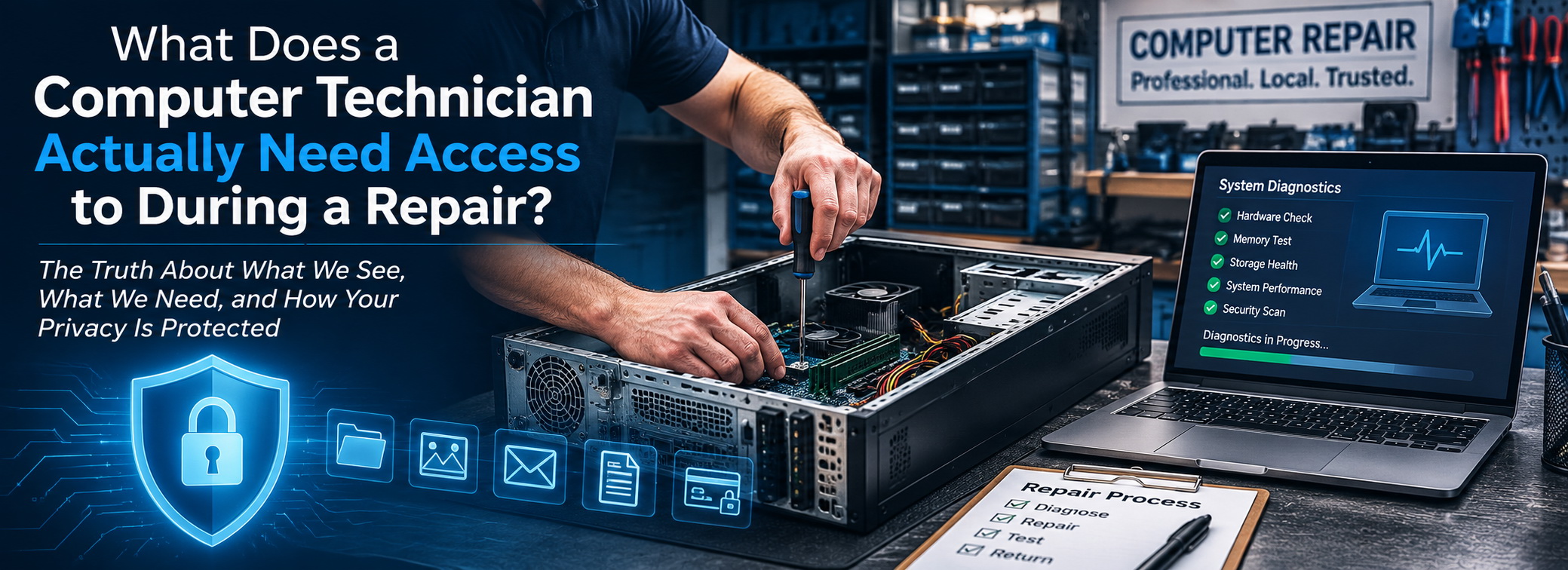
Handing your computer to a technician can feel a little different from handing over almost anything else for repair.
Your computer isn’t just a piece of equipment.
It may contain family photos, tax returns, financial records, saved passwords, business documents, emails, personal conversations, and years of files you’ve accumulated without giving much thought to who might eventually have access to them.
So it’s reasonable to ask:
What does a computer technician actually need access to when repairing your computer?
The answer depends entirely on what’s wrong with it.
A professional computer technician doesn’t need unrestricted access to everything on your computer simply because they’re repairing it. But there are also situations where accessing Windows, your user profile, specific folders, or even individual files is necessary to diagnose the problem and verify that it has actually been fixed.
Understanding the difference can make leaving your computer for repair a lot less uncomfortable.
Some Computer Repairs Require Very Little Access to Your Data
Not every computer repair involves your personal information.
If I’m diagnosing a computer that won’t power on, replacing a failed power supply, testing memory, investigating overheating, or replacing certain hardware components, there may be little or no reason to open your personal files.
The problem is with the hardware.
That’s where the diagnosis stays unless something discovered during the repair gives me a reason to investigate further.
Even when Windows needs to be started to test the computer afterward, that doesn’t automatically mean there’s a reason to start opening documents, pictures, emails, or other personal information.
Being able to access something isn’t the same thing as needing to access it.
That’s an important distinction in professional computer repair.
Sometimes I Need to Log Into Windows
One of the most common questions customers have is why a computer technician might need their Windows password.
The answer is usually simple:
I need to reproduce the problem you’re experiencing.
Suppose your computer takes ten minutes to become usable after you sign in.
If the problem occurs only after your Windows profile loads, testing the computer from a different account may not tell me what’s actually happening.
The same applies when you’re experiencing:
- Programs that won’t open
- Extremely slow startup
- Desktop or taskbar problems
- Printer problems
- Browser issues
- Software errors
- Malware or unwanted programs
- Problems accessing files
- Windows profile corruption
If the symptom occurs inside your normal Windows environment, I may need to work inside that environment to diagnose it.
And after making the repair, I need to verify that the original problem is actually gone.
A computer that works perfectly from my diagnostic environment but still doesn’t work when you log into it isn’t repaired.
Malware Removal Can Require More Access
Malware and unwanted software are another good example.
Malicious software doesn’t always stay neatly inside one folder.
It can affect browser settings, startup programs, scheduled tasks, Windows services, user-profile directories, temporary folders, extensions, and other parts of the operating system.
Proper virus and malware removal may therefore require examining several areas of the computer.
That still doesn’t mean there’s a reason to casually browse through someone’s personal documents.
The technician is looking for evidence related to the infection and its behavior.
The purpose of the access matters.
Data Recovery Is Completely Different
If you bring me a computer because you’ve lost important files, the files themselves become part of the repair.
That’s unavoidable.
If you’re asking me to recover your photographs, documents, accounting files, or other data from a failing drive, I may need to identify those files, verify that they’ve been recovered successfully, and sometimes open a sample to make sure the recovered data isn’t corrupted.
That’s fundamentally different from replacing a fan or diagnosing a power problem.
With data recovery, access to the customer’s data isn’t incidental to the repair.
Recovering the data is the repair.
That makes trust especially important.
Sometimes a Specific File Is the Problem
There are also situations where the customer brings me a computer because something specific isn’t working.
Maybe a particular document won’t open.
Maybe photographs disappeared.
Maybe an accounting program can’t find its company file.
Maybe an external drive suddenly appears empty.
Maybe a folder generates an error every time it’s opened.
In those situations, telling a technician:
“You can fix the computer, but you can’t access the thing that’s broken.”
can make diagnosis impossible.
The technician should still limit access to what’s relevant to the problem.
But sometimes the information you’re concerned about protecting is also the information we need to troubleshoot.
Testing the Repair Is Part of the Repair
This is something customers don’t always think about.
Finding a problem and changing something isn’t enough.
I need to test the computer afterward.
If you brought the computer to me because Microsoft Word crashed every time you opened a document, simply reinstalling Word and returning the computer isn’t good enough.
I need to make sure Word actually works.
If the computer was freezing during startup, I need to restart it.
Probably more than once.
If the internet wasn’t working, I need to connect it to a network.
If a particular user account was corrupted, I need to test that account.
If files were recovered, I need to make sure they’re readable.
A repair isn’t finished until there’s reasonable evidence that the original problem has been resolved.
That verification may require access to the same environment where the problem occurred.
What Happens If a Technician Encounters Something Personal?
Sometimes personal information appears simply because you’re working on someone’s computer.
A filename might appear in Windows Explorer.
An email notification might pop onto the screen.
Recently opened documents may appear in a program.
A browser might restore previously opened tabs.
A photograph may appear as the desktop background.
That’s very different from deliberately searching through someone’s information.
And there’s another practical reality: we don’t have time to sit around sifting through your personal files.
Computer repair is a business. I’m being paid to diagnose your problem, repair your computer, test my work, and move on to the next customer.
Opening folders and digging through someone’s photographs, documents, emails, or financial records when they have nothing to do with the repair doesn’t accomplish any of that.
It doesn’t fix your computer, it doesn’t make me any money, and it wastes time I could be spending on actual repair work.
That’s not to say privacy should depend solely on whether a technician is busy. Professional ethics still matter. But from a purely practical standpoint, a reputable computer technician has work to do — and casually snooping through a customer’s files isn’t part of it.
A professional technician treats incidental exposure exactly as that:
incidental
You acknowledge what you need to diagnose the problem and move on.
However, curiosity isn’t a legitimate diagnostic procedure.
Should You Remove Sensitive Information Before Computer Repair?
If there’s information on your computer that you’re particularly concerned about, you can certainly take precautions before bringing it in — assuming the computer is functional enough for you to do so.
You might back up especially sensitive files and remove them temporarily.
You can sign out of websites you don’t want left open.
You can also tell your technician that certain information is particularly sensitive.
But don’t start deleting system files, changing permissions, encrypting random folders, uninstalling programs, or making major changes to the computer immediately before a repair.
You may accidentally make the original problem harder to diagnose.
And if the computer won’t boot or the reason you’re bringing it in is data loss, moving the information yourself may not even be possible.
When in doubt, ask first.
On-Site Repair Doesn’t Eliminate the Trust Question
Some customers feel more comfortable having computer repair performed in their home because they can see where the computer is.
That’s understandable.
But it doesn’t eliminate the underlying issue.
A technician performing a repair in your home may need exactly the same Windows access as someone working on the computer at a shop.
The location changed.
The technical requirements didn’t.
There are also repairs that simply aren’t good candidates for an on-site appointment.
Long diagnostics, repeated restarts, operating-system installations, large data transfers, malware scans, hardware testing, and other procedures can take hours.
Bringing the computer back to the shop gives me access to the tools, equipment, replacement hardware, and time necessary to complete those repairs efficiently.
That’s why the question shouldn’t simply be:
“Will my computer leave my house?”
The more important question is:
“Do I trust the person I’m hiring to work on it?”
If you’re trying to make that decision, I recently wrote more about how to decide who you trust with your computer and why that decision should happen before the repair begins.
Computer Repair Requires Both Technical Skill and Professional Ethics
When you hire someone to repair your computer, you’re trusting that person with more than a machine.
You’re trusting their judgment.
You’re trusting them to know what needs to be examined and what doesn’t.
You’re trusting them not to turn legitimate technical access into an excuse to explore information unrelated to the repair.
And you’re trusting them to return the computer functioning properly without unnecessarily compromising your privacy along the way.
I’ve worked in computer support long enough to understand that customers can be understandably protective of what’s stored on their computers.
They should be.
But the solution isn’t to hire a technician and then prevent that technician from accessing everything necessary to perform the repair.
The solution is to choose the technician carefully in the first place.
Technical access should have a technical reason.
That’s the standard I believe professional computer repair should follow.
Need Computer Repair in Palm Harbor?
If your computer is running slowly, crashing, infected with malware, having hardware problems, or simply isn’t behaving the way it should, SickComputerDoctor.com provides professional computer repair in Palm Harbor and surrounding Northern Pinellas County communities, including Dunedin, Clearwater, Oldsmar, and Tarpon Springs.
Whether the repair can be completed on-site or needs to come back to the shop, I’ll explain what needs to be done and why.
📞 727-331-1206
Leave a Reply