
Intro
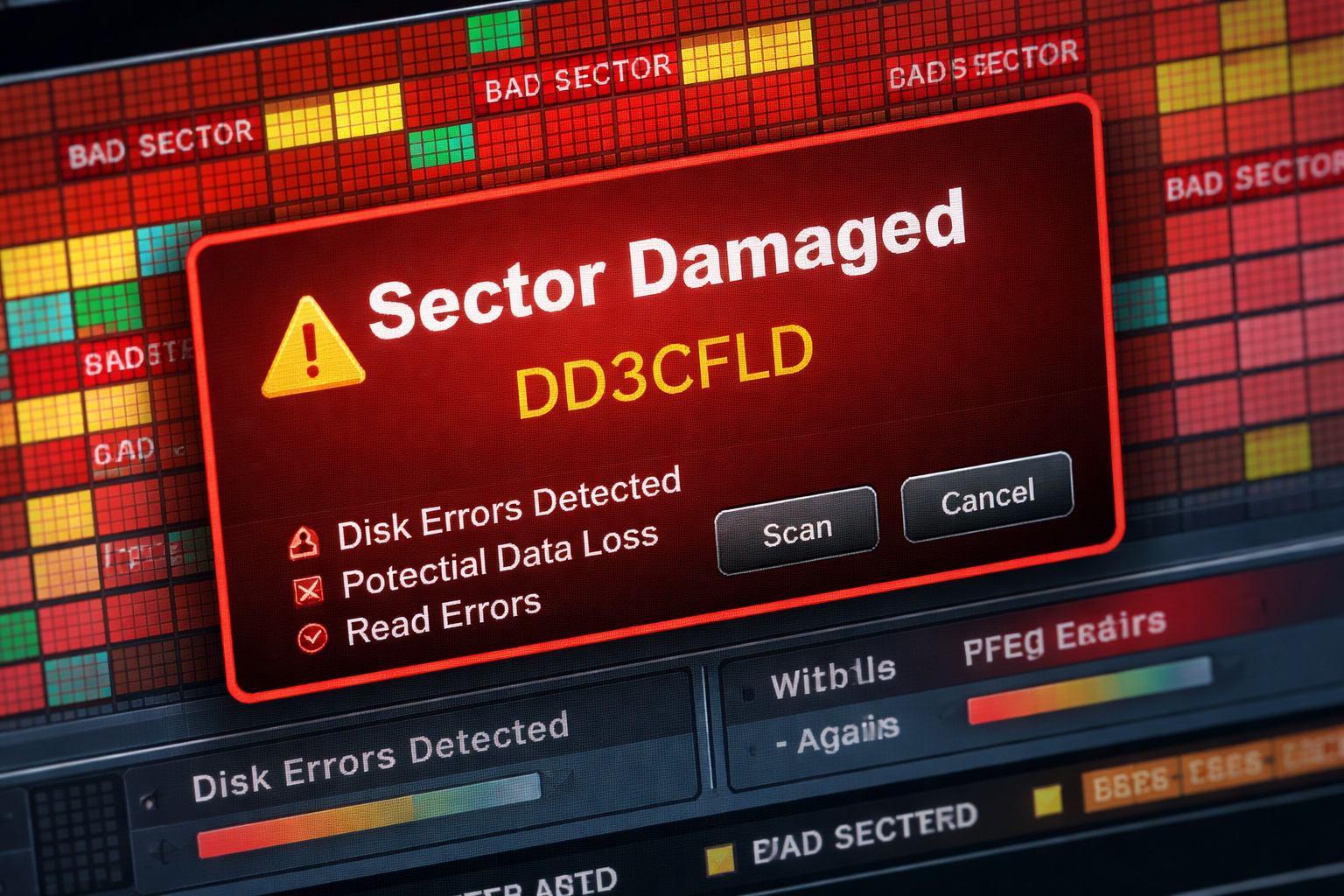
Bad sectors like those shown above often require professional data recovery in Largo, FL to safely recover files before the drive completely fails. Hard drive failure often happens without warning—but in many cases, there are early signs. If you know what to look for, you can act before your data is permanently lost. In Largo, FL, we see many cases where customers wait too long and lose critical files that could have been recovered.
If you’re already dealing with missing or inaccessible files, learn more about professional data recovery in Largo, FL and how to recover lost data safely before it’s permanently gone.
Early Warning Signs of Hard Drive Failure
Your computer may still be working—but these signs indicate trouble:
- Clicking or grinding noises
- Files taking longer to open
- Random freezing or system crashes
- Files disappearing or becoming corrupted
- Drive not showing up consistently
If you notice any of these, stop using the system immediately to prevent further damage.
HDD vs SSD Failure – What’s the Difference?
Traditional hard drives (HDDs):
- Often make clicking or mechanical noises
- Fail gradually
Solid State Drives (SSDs):
- Usually fail suddenly
- No warning sounds
- Data may become inaccessible instantly
Both require different recovery approaches, which is why professional diagnosis matters.
Why You Should Stop Using a Failing Drive Immediately
Continuing to use a failing drive can:
- Overwrite recoverable data
- Increase physical damage
- Reduce recovery success rates
👉 If your data is important, your best option is professional data recovery in Largo, FL before the damage gets worse.
What Causes Hard Drive Failure?
Common causes include:
- Age and wear
- Power surges or improper shutdowns
- Overheating
- Malware or system corruption
👉 In cases involving infections, virus & malware removal services in Largo, FL should be performed before restoring your system.
What To Do If You Suspect Drive Failure
Act fast:
- Stop using the computer
- Do NOT install recovery software
- Do NOT reboot repeatedly
- Disconnect the drive if possible
- Seek professional help immediately
👉 Our computer repair in Largo, FL services include diagnostics and safe handling of failing drives.
Preventing Data Loss in the Future
The best defense against data loss:
- Regular backups
- Monitoring drive health
- Keeping systems secure
- Using professional IT support
👉 Ongoing protection through cybersecurity services in Largo, FL can prevent many failure-related risks.
Protect Your Data Before It’s Too Late
Hard drive failure can happen quickly—but data loss doesn’t have to be permanent.
If you’re seeing warning signs, act now before your files are gone for good.
👉 Contact us today for expert computer repair in Largo, FL and data protection solutions.
Leave a Reply