Why one wrong assumption almost led to unnecessary data recovery…
Microsoft’s end of support for Windows 10 has many people exploring Linux as a free alternative. While Linux can be an excellent operating system, installing it without understanding the options can lead to a terrifying experience. The following story is fictional, but it’s based on situations that happen more often than you might think.
“I Think I Just Deleted Everything!”
The phone rang late one afternoon.
“I think I just destroyed my computer.”
The caller explained that he had an older Windows 10 laptop and had been reading about switching to Linux instead of buying a new computer. He downloaded a popular Linux distribution, created a bootable USB drive, and started the installation.
Everything seemed to be going perfectly.
The installer copied files, asked a few questions, and eventually rebooted the computer.
That’s when the panic started.
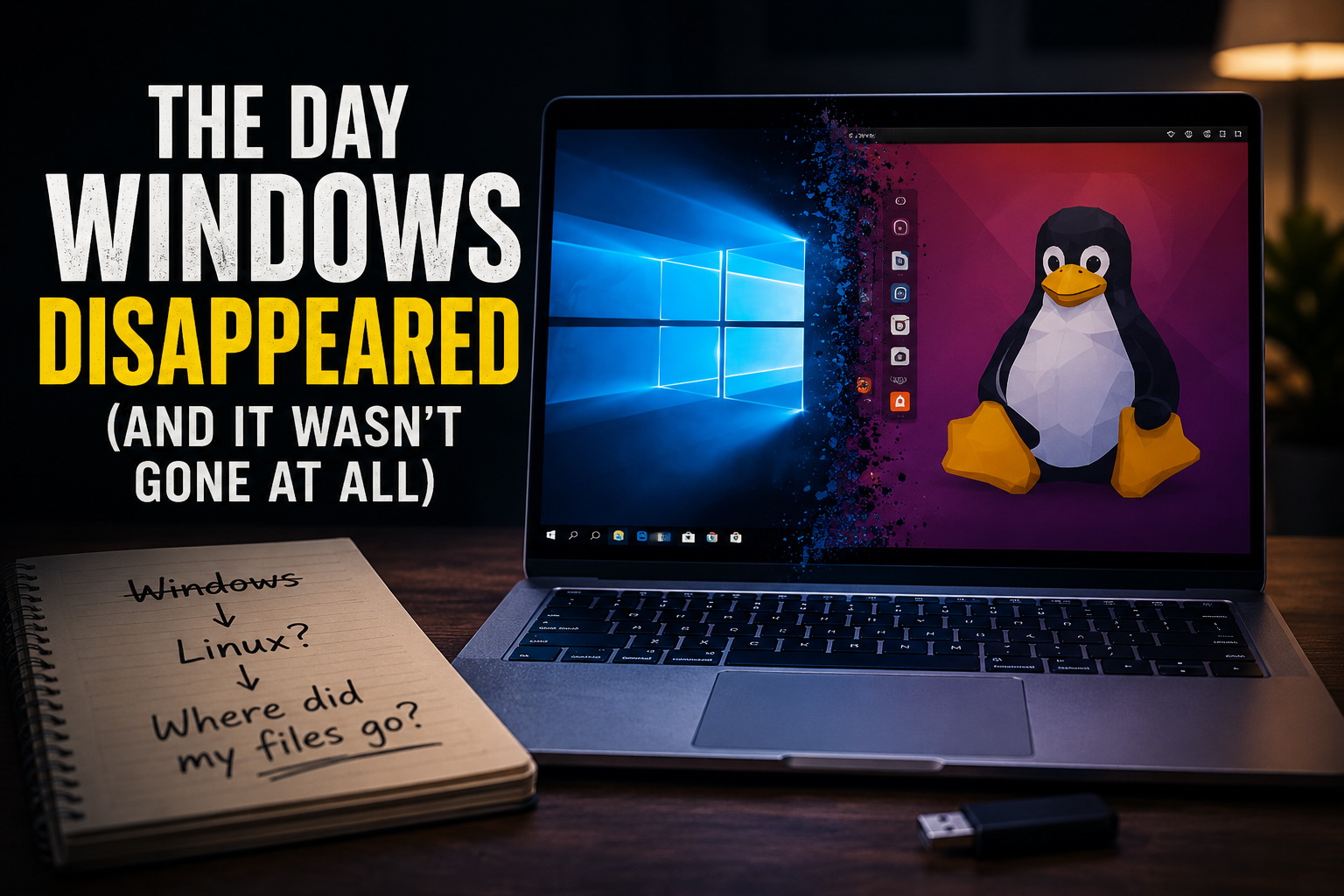
Windows was gone.
His familiar desktop had disappeared.
His documents weren’t where he expected them.
Family photos, financial records, years of work… it all looked like it had vanished.
Convinced he had erased everything, he immediately started searching online for data recovery services.
Looking Before Panicking
When I arrived, I asked one simple question.
“What options did you choose during the installation?”
Like most people, he wasn’t entirely sure. He remembered seeing several installation choices but assumed the default option was the safest.
Instead of immediately trying to recover files, I started by examining the drive layout.
Within minutes, the answer became obvious.
Windows hadn’t been erased.
The Windows partition was still sitting safely on the hard drive exactly where it had always been.
The Linux installer had simply installed a new boot loader, and the computer was automatically starting Linux instead of Windows.
The data had never actually disappeared.
It was simply hidden behind the wrong startup configuration.
This is one of the reasons I always recommend creating a computer backup before making major operating system changes.
A Not So Simple Fix
The client had attempted to install a version of Linux that cannot run on a Windows machine with secure boot enabled. We fixed the boot problem, and properly installed a version of Linux that would support the client’s needs and allow them to access all their data while getting used to a new Operating System.
Within a few minutes, I was able to confirm Windows would boot from the Linux boot manager.
Windows started normally.
The desktop appeared.
The Documents folder opened.
Every family photo was still there.
Every tax return.
Every spreadsheet.
Nothing had been lost.
The customer went from believing years of memories had been erased to realizing everything had been safely sitting on the drive the entire time.
Sometimes the problem isn’t missing data.
It’s simply that the computer is starting the wrong operating system.
If Windows truly had been overwritten, the situation would have required data recovery, but fortunately that wasn’t necessary in this case.
Installing Linux Doesn’t Always Erase Windows
One of the biggest misconceptions about Linux is that installing it automatically destroys Windows.
That’s simply not true.
Depending on the installation option selected, Linux can:
- Replace Windows entirely.
- Install alongside Windows in a dual-boot configuration.
- Run from a USB drive without changing the hard drive at all.
- Be installed on a completely separate drive.
Understanding those choices before clicking Install makes all the difference.
If you’re considering replacing Windows 10 with Linux, it’s worth taking a few minutes to understand exactly what each installation option will do before making permanent changes.
If you’re unsure, getting professional computer repair advice beforehand can save hours of stress later.
Final Thoughts
With Windows 10 approaching end of support, more people will begin experimenting with Linux for the first time. Linux can be a fantastic option for many users, but like any operating system installation, preparation is everything.
A proper backup, understanding the installation options, and having a recovery plan can turn a stressful experience into a smooth transition.
If you’re thinking about installing Linux, replacing Windows 10, or simply want someone to make sure your files are protected before making the switch, Sick Computer Doctor is here to help throughout Palm Harbor and the surrounding Pinellas County communities.
Leave a Reply