Introduction
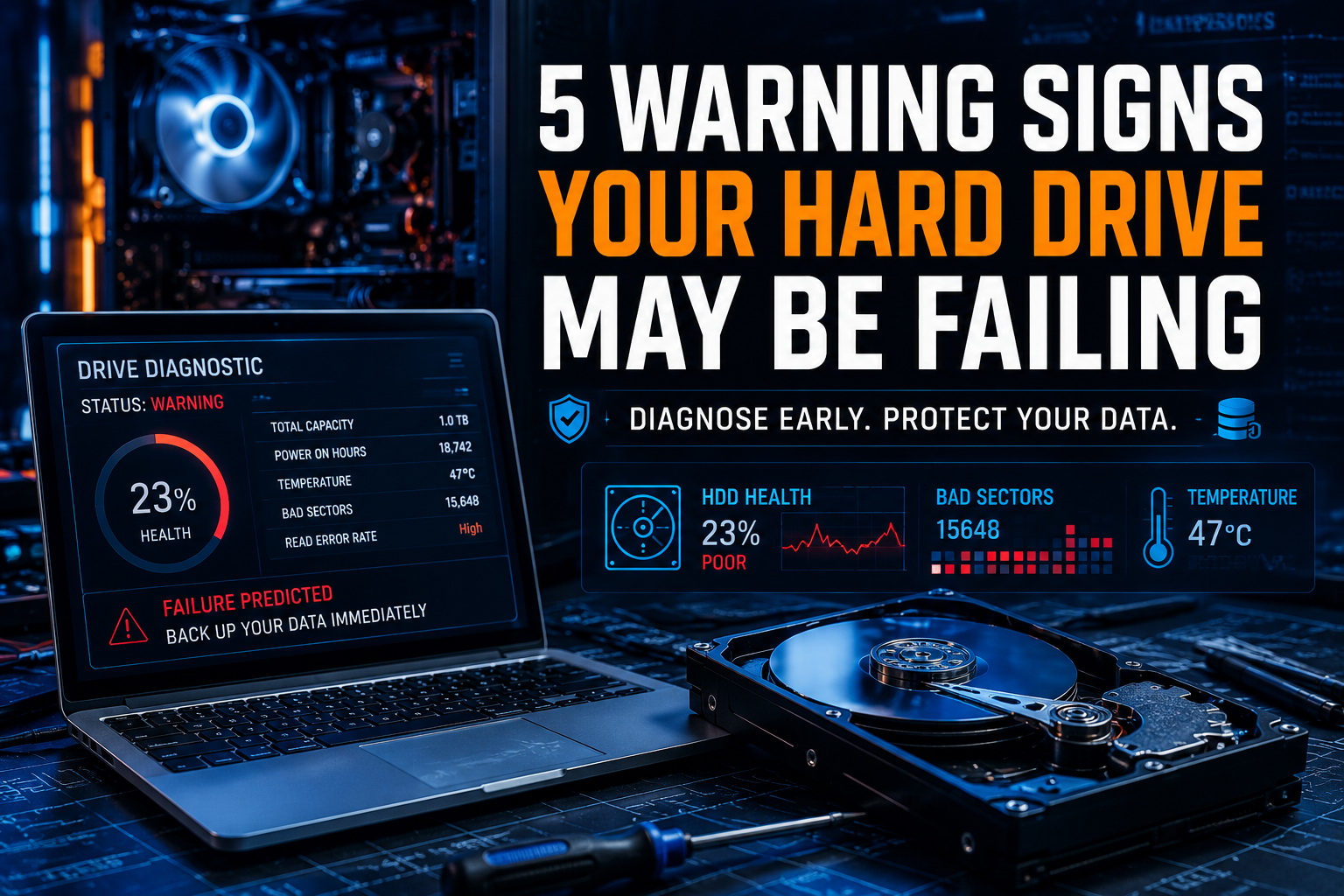
Most hard drives and SSDs don’t simply stop working without warning. In many cases, your computer will begin showing subtle signs of storage failure weeks or even months before complete data loss occurs.
Recognizing these warning signs early can help protect your files, photos, business documents, and personal information. If you’re experiencing any of the symptoms below, professional diagnostics may help identify the problem before it becomes a disaster. Some clues may include:
Your Computer Freezes Frequently
One of the earliest warning signs of a failing storage device is frequent freezing. If your computer locks up while opening files, launching programs, or performing routine tasks, the drive may be struggling to read or write data properly.
Many people assume these symptoms are simply caused by an older computer, but slow computer repair services can often determine whether the problem is related to storage failure, software issues, or another underlying cause.
Files Suddenly Disappear or Become Corrupted
Have you ever opened a file only to find missing information, strange characters, or error messages? Storage devices that are beginning to fail can damage files as they are being saved or retrieved.
If important documents, photos, or business records seem to disappear without explanation, scheduling professional computer diagnostics may help identify the issue before additional data is lost.
Your Computer Takes Much Longer to Start
A healthy computer should not take several minutes to boot into Windows. When a drive begins to fail, startup times often increase significantly as the operating system struggles to access critical files.
Many startup problems can be identified through computer repair services before the storage device fails completely.
Strange Clicking or Grinding Noises
Traditional hard drives contain moving parts. When these components begin wearing out, you may hear clicking, grinding, or repetitive ticking sounds.
These noises should never be ignored. Continued operation can worsen the damage and reduce the likelihood of successful recovery. In situations involving critical files, data recovery solutions may be necessary to preserve valuable information.
Frequent Error Messages and Blue Screens
When a storage device starts failing, Windows may generate unexpected error messages, application crashes, or Blue Screen of Death (BSOD) events.
While software issues can sometimes trigger similar symptoms, repeated crashes combined with other warning signs often indicate an underlying hardware problem. Professional evaluation through computer repair in Palm Harbor can determine whether your storage device is at risk of failure.
Don’t Wait Until Your Data Is Gone
The biggest mistake people make is waiting until their computer completely stops working before seeking help. By that point, data recovery becomes more difficult, more expensive, and sometimes impossible.
If your computer is showing any of these warning signs, contact Sick Computer Doctor for professional diagnostics, repair, and data recovery assistance throughout Palm Harbor and Northern Pinellas County.
Leave a Reply